Building an inexpensive streamer PC for under 60 thousand rubles in 2021
Every streamer needs a powerful computer: with a fast graphics card and a good processor. We work out how to choose a good, affordable PC for streaming in 2021.

Helps streamers grow
Published:

Powerful computers are expensive. And if you plan to stream, you need a powerful computer: nobody likes laggy streams. But what to do if your budget is limited?
In this article we will pick all the components for a decent streaming PC and compare our build with alternatives. Our build should turn out more powerful than the ready-made solutions sold in stores and come in at under 60 thousand rubles.
The calculations use prices valid at the end of 2020, but we will give links to Yandex Market so you can check the current price. At the start of 2021 component prices rose noticeably — we recommend waiting until they normalize.
Why a streamer needs a powerful computer
Streaming programs (for example, OBS or XSplit) put a heavy load on a streamer’s computer. They perform several complex tasks at once: capture the screen, encode the video stream and send it online. If the PC doesn’t have enough power to cope with this load, your viewers will get a choppy picture and dropped frames.
Remember that the computer spends resources not only on the broadcast but on all the programs you use during it. This means the PC must withstand the combined load of the streaming application, the widgets in that application, the capture from the webcam, the game or any other content on the stream. For example, new games can’t be streamed with a low-power graphics card because of too heavy a load and a lack of video memory.
The more resources a streamer’s PC has available, the more freedom they have in creating content. As of early 2021, the “popular” minimum system requirements for a PC for streaming at 1920×1080 are as follows:
A 6-core processor (for example, Intel Core i5−8400 or Ryzen 5 2600);
a powerful graphics card able to run new games at least on medium-low settings (for example, GTX 1650 Super or RX 570).
Note: for streaming undemanding categories such as Just Chatting, you can save on the graphics card and buy a better processor.
Processor
The choice of processor is very important for the whole build: the computer’s overall performance depends on it. The two biggest manufacturers on the market today are AMD and Intel. Intel offers more gaming and work performance per core, while its competitor can boast more cores for a comparable cost.
When choosing a processor, pay attention to whether it has core multithreading. In applications that support it, such as OBS and XSplit, this feature increases processor performance. However, some games and applications may not use this feature — in that case the processor’s performance does not increase.
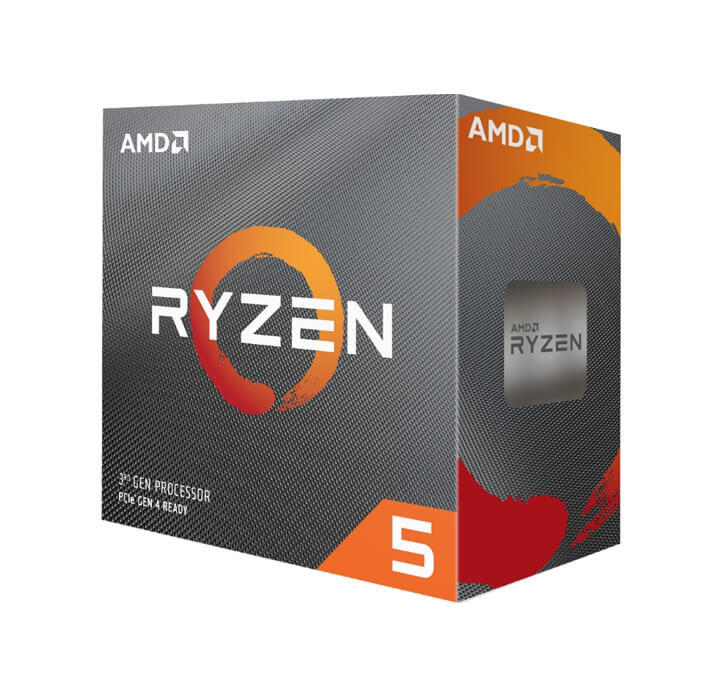
Among AMD processors we recommend the Ryzen 5 3500X. The main plus of this choice is the low price for six physical cores. It gives high performance in work applications (OBS), and besides, motherboards for AMD processors are usually cheaper than for Intel processors.
On the downside: the Ryzen 5 3500X runs very hot under load (you need to install a good heatsink and cooler) and has no core multithreading.
Price: ~ 11,000 rubles
Important: it is better to take the X version of the processor specifically. At a price similar to the 3500, this version of the processor has 4−5% higher performance.
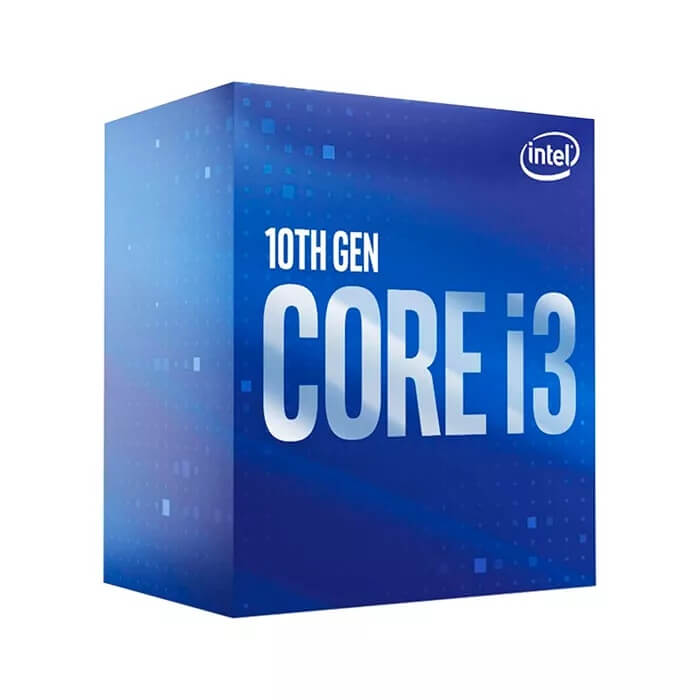
Alternative option. If a streamer decides to build a computer on Intel, in the price segment we are interested in there is only one decent processor — the Intel Core i3−10100F.
Four cores and eight threads can handle a streamer’s tasks at the start, but such a solution will need an upgrade in the near future. This Intel processor has a fairly low temperature under load and has core multithreading.
At the same time, four physical cores is few, so this processor is a temporary solution for a budget build and will soon need an upgrade to a 6−8-core processor.
Price: ~ 7,000 rubles
Important: the 6-core Intel processors that are optimal for streaming, for example the 10400F, cost over 14,000 rubles and don’t fit our build budget. But we recommend buying the 10400F if you have the chance to spend more.
Graphics card
About 80% of content on Twitch is game streaming, but you can’t stream popular games without a powerful graphics card. It is desirable for a streamer’s PC to have a graphics card from 2018−2019 with at least 6 GB of video memory.
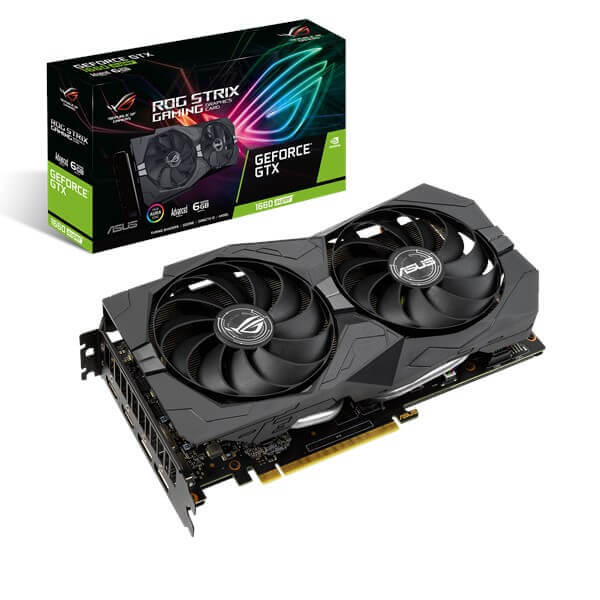
If a streamer prefers graphics cards from NVIDIA, choose the GeForce GTX 1660 Super — the benchmark for “price — quality” among NVIDIA cards. It is 10−15% faster than the regular 1660 and only 4−7% behind the 1660 Ti (according to the site ru.gecid.com).
This model hardly heats up and its fans make little noise under load (which means less noise on the stream), and it is also suitable for most games released in 2020.
The only downside is the 6 GB of video memory. Some modern games already need more memory now, and the appetites of new games only grow.
Price: ~ 19,000 rubles
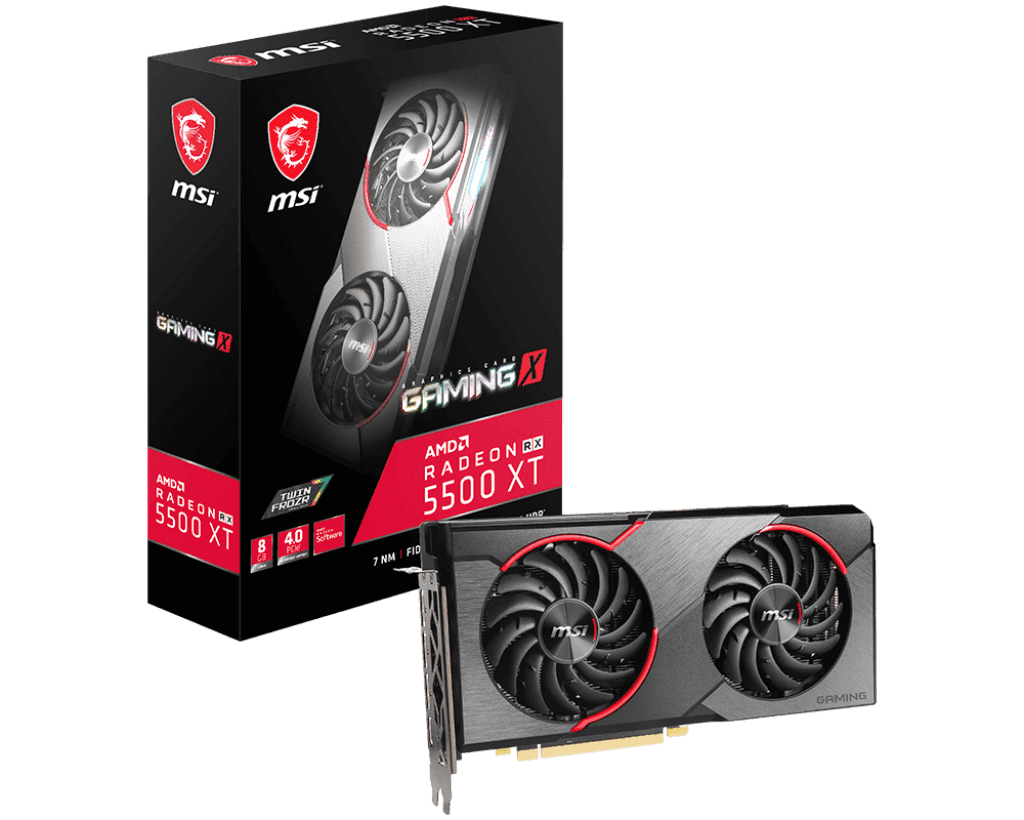
Alternative option. Those who like graphics cards from AMD may be happy with the RX 5500 XT — a good alternative at a lower price. This choice suits streamers of esports games, Just Chatting and any other not-too-demanding categories. The RX 5500 XT is 3,500 rubles cheaper than the GTX 1660 Super and has more video memory, which matters for many modern games.
But keep in mind that the RX 5500 XT is 13−20% slower than the GTX 1660 Super.
Price: ~ 16,500 rubles
Motherboard
It is better to buy a cheaper motherboard, because it hardly affects the computer’s overall performance. It must be compatible with the processor you chose, allow for an upgrade to a more powerful one and be reliable.
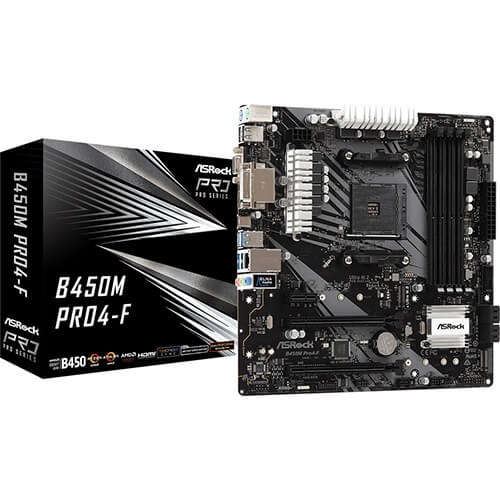
In the AMD build we choose the ASRock B450M Pro4-F. A compact and simple motherboard from ASRock is a good option for the Ryzen 5 3500X thanks to its affordable price and the features it needs.
The ASRock motherboard is compact, has a reliable power system and decent potential for a processor upgrade.
The main downside of this board is that it is hard to connect hardware to it because of the unfortunate placement of the connectors. A streamer with no building experience may find it difficult to install the SSD correctly.
Price: ~ 5,500 rubles
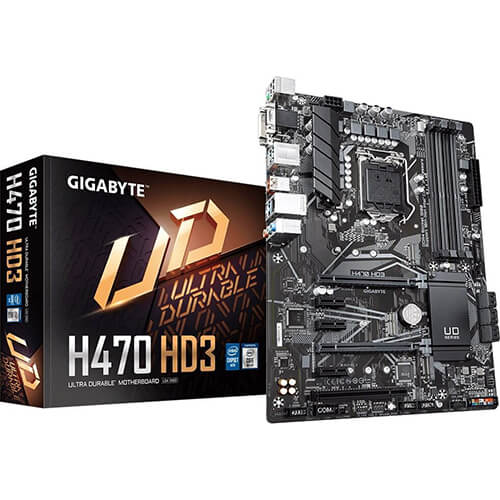
Alternative option. For those who chose an Intel processor, the Gigabyte H470 HD3 is an excellent motherboard. With it you can replace the processor with a more powerful one without replacing the motherboard.
The Gigabyte H470 HD3 has an excellent cooling system, fast ports for connecting external devices (USB 3.2, PCI-Express GEN3x4) and a good sound card.
But the price of this motherboard bites: it is almost one and a half times more expensive than the AMD option.
Note that this motherboard doesn’t support high-speed RAM (it supports DDR4 no higher than 2666 MHz), and this may slightly affect FPS in games and stream quality in OBS.
Price: ~ 8,000 rubles
RAM
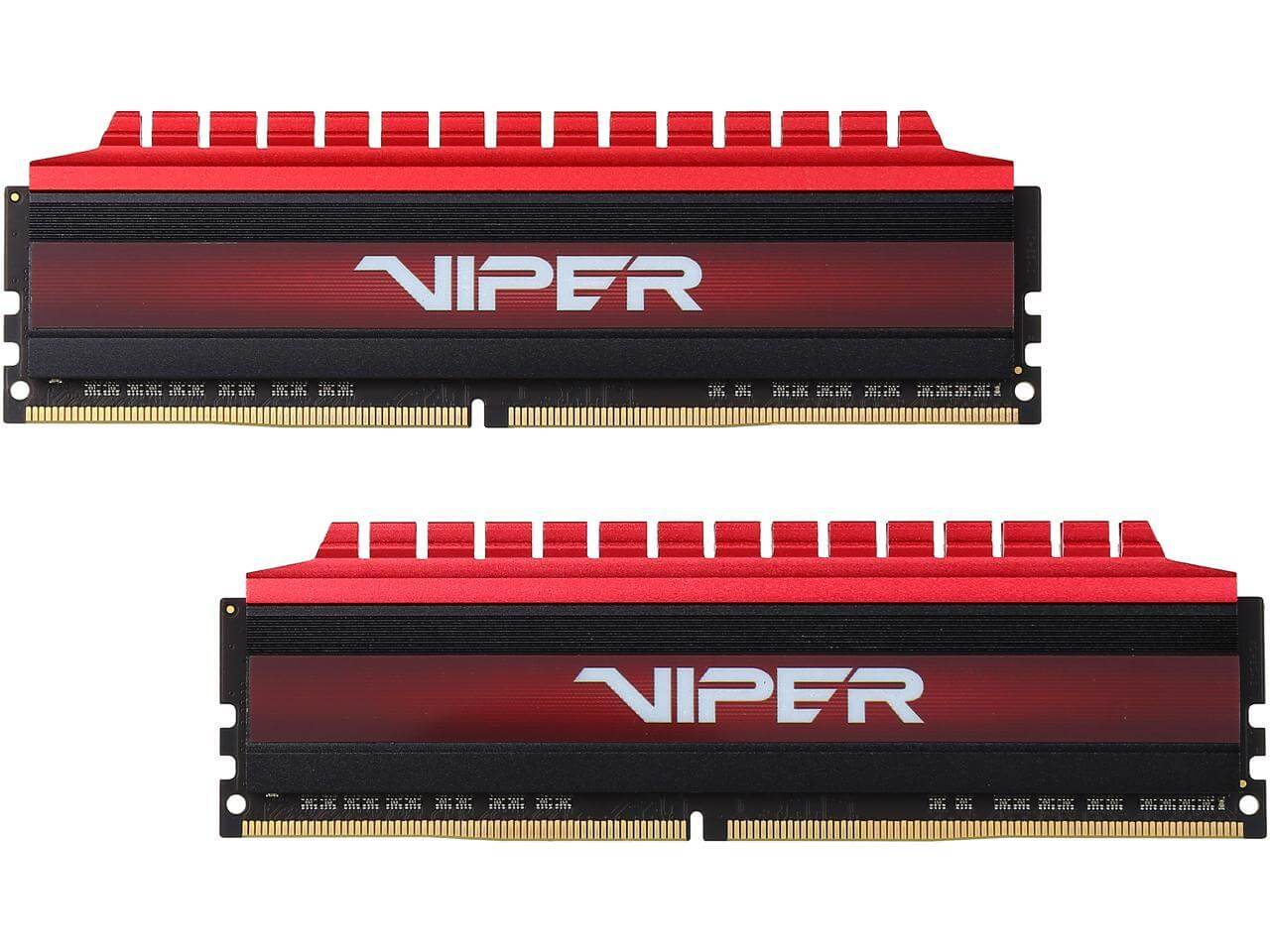
The standard for a basic streaming PC is 16 GB of RAM with good speed and low latency. This gives a streamer the ideal “price — performance” ratio.
We recommend Patriot Viper 4 DDR4 3000 2x8Gb. This option is quite cheap and fast, which is great for a streamer’s budget build. 16 GB of fast RAM with good cooling will be enough for both the Ryzen 5 3500X and the Intel Core i3-10100F.
Price: ~ 6,000 rubles
Cooling
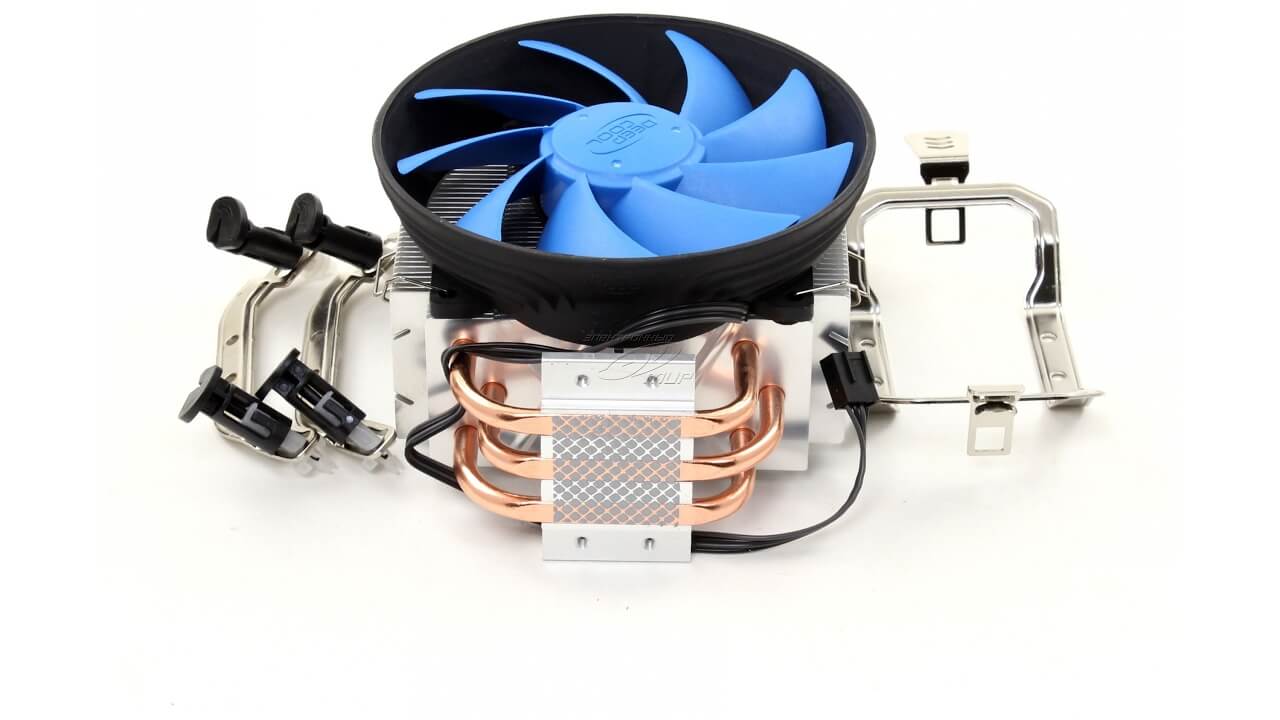
Gaming computers usually have a tower cooling system: a set of fans, heatsinks and heat pipes. Unlike a plain cooler, this thing works much more efficiently, though it takes up a lot of space in the case.
When choosing a cooling system, pay attention to the processor’s TDP. The higher it is, the more heat the processor gives off, which means it needs a more powerful cooling system.
All the processors we chose run at low temperatures, so an ordinary tower cooler rated for a TDP above 100 will be quite enough.
The Deepcool GAMMAXX 300 suits our purposes — this cooling system works great with almost any inexpensive processor. It is cheap, quiet and lasts a long time without breaking. But note that after upgrading the system you may have to buy a new one: this one is not designed for the high temperatures of top-end processors.
Price: ~ 1,200 rubles
Storage
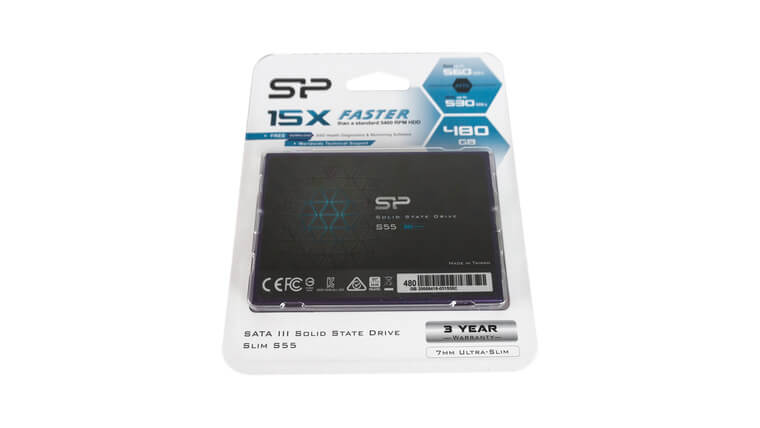
In a budget build a streamer needs a roomy and fast SATA SSD at a reasonable price. There is practically no difference between cheap SSDs — you can take any drive under 5,000 rubles for the build.
The best option is the Silicon Power Slim S55 480GB. This SSD is quiet, fast and hardly heats up. A small extra plus is a three-year manufacturer’s warranty.
Price: ~ 4,500 rubles
Power supply
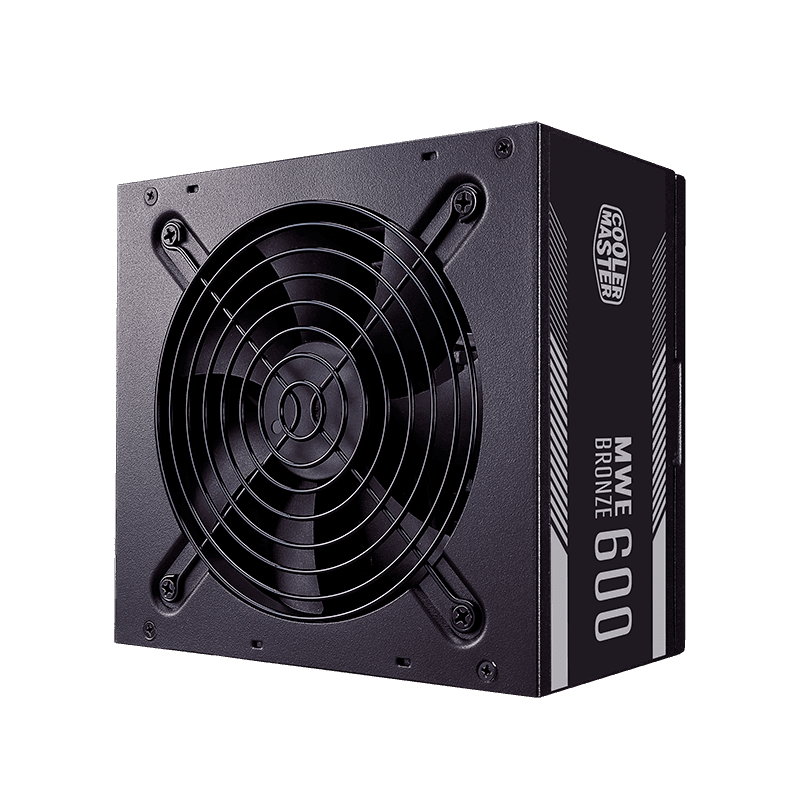
When you choose a power supply, first of all look at its wattage: the higher it is, the more load the unit can withstand. You can determine the power you need by finding the specifications of the graphics card + processor and learning their power consumption. An important point is also the 80 PLUS certificate: with it a streamer’s computer is guaranteed not to shut down at a critical moment under heavy load.
The processor and graphics card combination we chose is undemanding on power, and a simple 450−500 W unit will be enough. However, it is desirable to have headroom for a possible upgrade, so it is worth buying a slightly more expensive power supply.
We choose the Cooler Master MWE Bronze V2 600W for our build. This power supply suits almost any build up to 100 thousand rubles. It delivers an honest 550−570 W even at 100% load and is quiet.
Price: ~ 5,000 rubles
Case
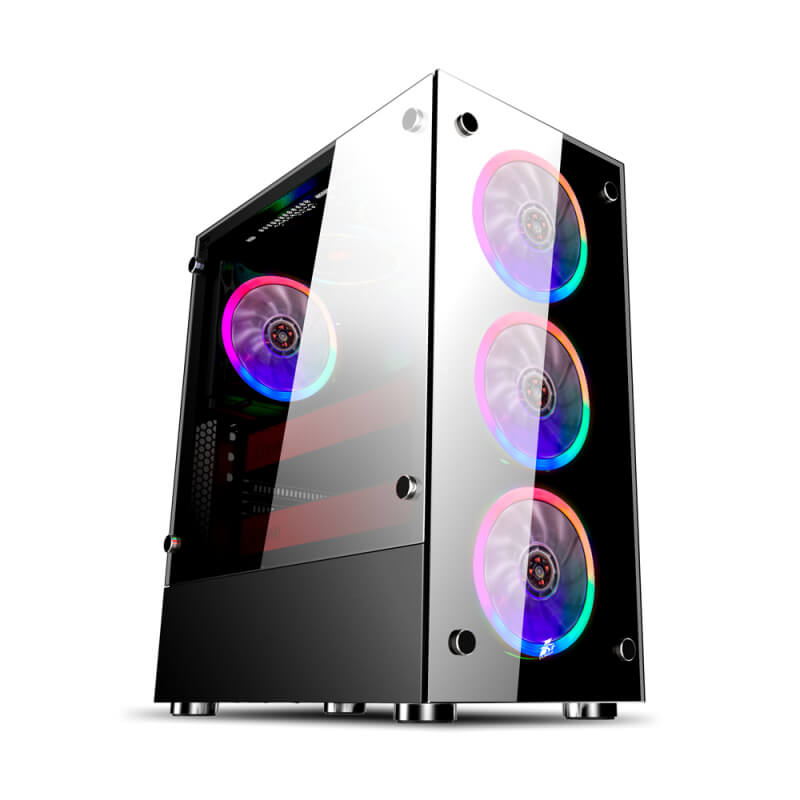
When choosing a case, it is important to pay attention to its size, built-in fans and good airflow. In the case specifications, look at the required motherboard size: large ATX, medium Micro-ATX and small Mini-ITX. You can fit a small board into a large case, but not the other way around.
A good choice is the ATX 1stPlayer Fire Dancing V6. It is a large case with four fans, convenient SSD mounts and zones for routing cables. All this considerably simplifies the process of building the computer.
The case looks stylish, with practically scratch-proof tempered glass and standard lighting.
Price: ~ 3,500 rubles
The final build
Component | Main option | Alternative option |
|---|---|---|
Processor | AMD Ryzen 5 3500X | Intel Core i3-10100F |
Graphics card | ASUS ROG Strix GeForce GTX 1660 Super | MSI Radeon RX 5500 XT Gaming X 8G |
Motherboard | ASRock B450M Pro4-F | Gigabyte H470 HD3 |
RAM | Patriot Viper 4 DDR4 3000 2x8Gb | Patriot Viper 4 DDR4 3000 2x8Gb |
Cooling | Deepcool GAMMAXX 300 | Deepcool GAMMAXX 300 |
Storage | Silicon Power Slim S55 480GB | Silicon Power Slim S55 480GB |
Power supply | Cooler Master MWE Bronze V2 600W | Cooler Master MWE Bronze V2 600W |
Case | 1stPlayer Fire Dancing V6 Black | 1stPlayer Fire Dancing V6 Black |
Testing the main build in applications with streaming on
The tests were run with a Razer Kiyo webcam connected and alert widgets for tips, subscriptions and raids shown on the stream. Bitrate — 6000 Kbps.
Just Chatting
Chat emotes widget
CPU load: 14%
FPS: 120
Dropped frames: 0.6%
COD: Warzone
Settings: Low
CPU load: 100%
FPS: 81-83
Dropped frames: 2.8%
CS: GO
Settings: Maximum
CPU load: 76%
FPS: 46-162
Dropped frames: 1.1%
Dota 2
Settings: Maximum
CPU load: 54%
FPS: 85-90
Dropped frames: 0.9%
Cyberpunk 2077
Settings: Low
CPU load: 96%
FPS: 45-46
Dropped frames: 1.6%
Fortnite
Settings: High
CPU load: 82%
FPS: 96-114
Dropped frames: 1.1%

Donatty public API: your own bot for tips and goals
Your channel's tips, goals and tipper leaderboard can now be pulled into your own program: a bot, your website or another service. Here is what you can build and where to start.
Read more

Donatty ambassador program: free PRO plan
Tell your audience about Donatty — and we give you the PRO plan. Any channel with 100 or more followers qualifies. Here is what PRO includes, what you need to do and how to join.
Read more

November 7 release: fee compensation and two new alerts
Fee compensation is now visible in Finances, and tips with compensation and tips with media can have a separate alert. We show it in a video and explain how to set it up.
Read more