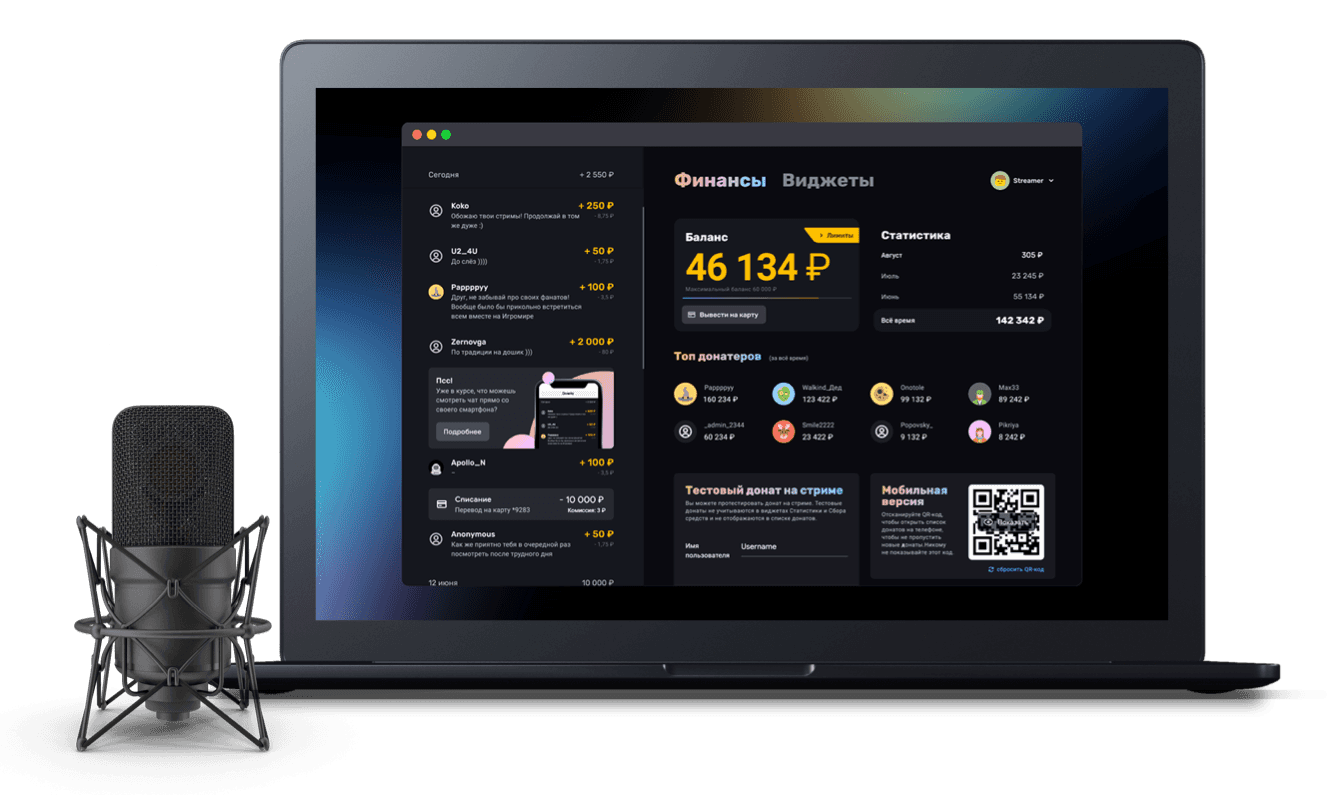
DONATION ALERTS INTEGRATION
Widgets and your tip history from Donation Alerts are easy to move to Donatty. Your stats widgets and goal bars can pull DA history, and DA tips will show up in your alerts.
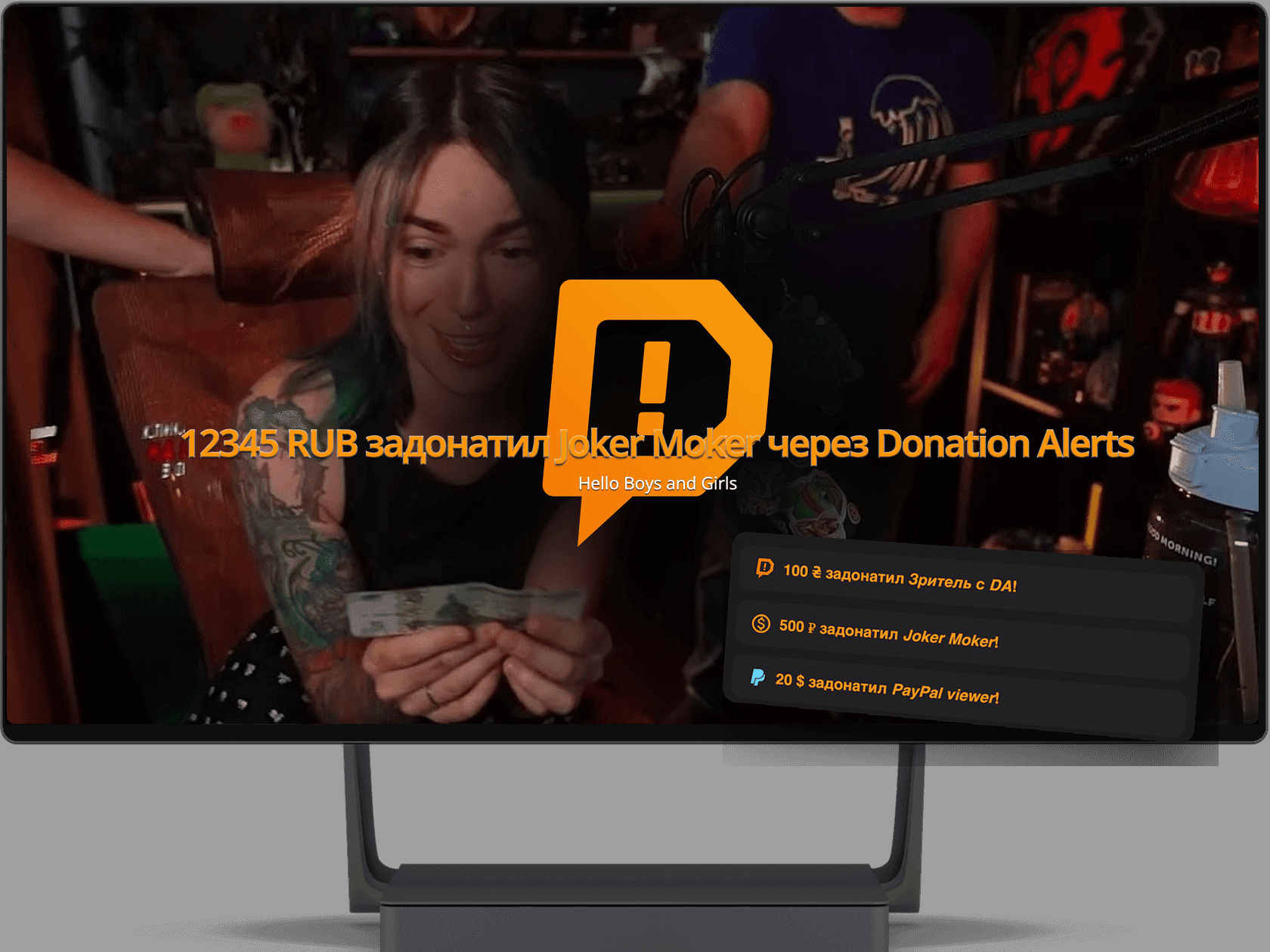
Every widget moves over
Alerts with their variations, goal bars and the top. With your own images, sounds and texts from Donation Alerts
All that's left is pasting into OBS
The import creates and sets up your widgets in Donatty. You swap the links in OBS and the move from Donation Alerts to Donatty is done.
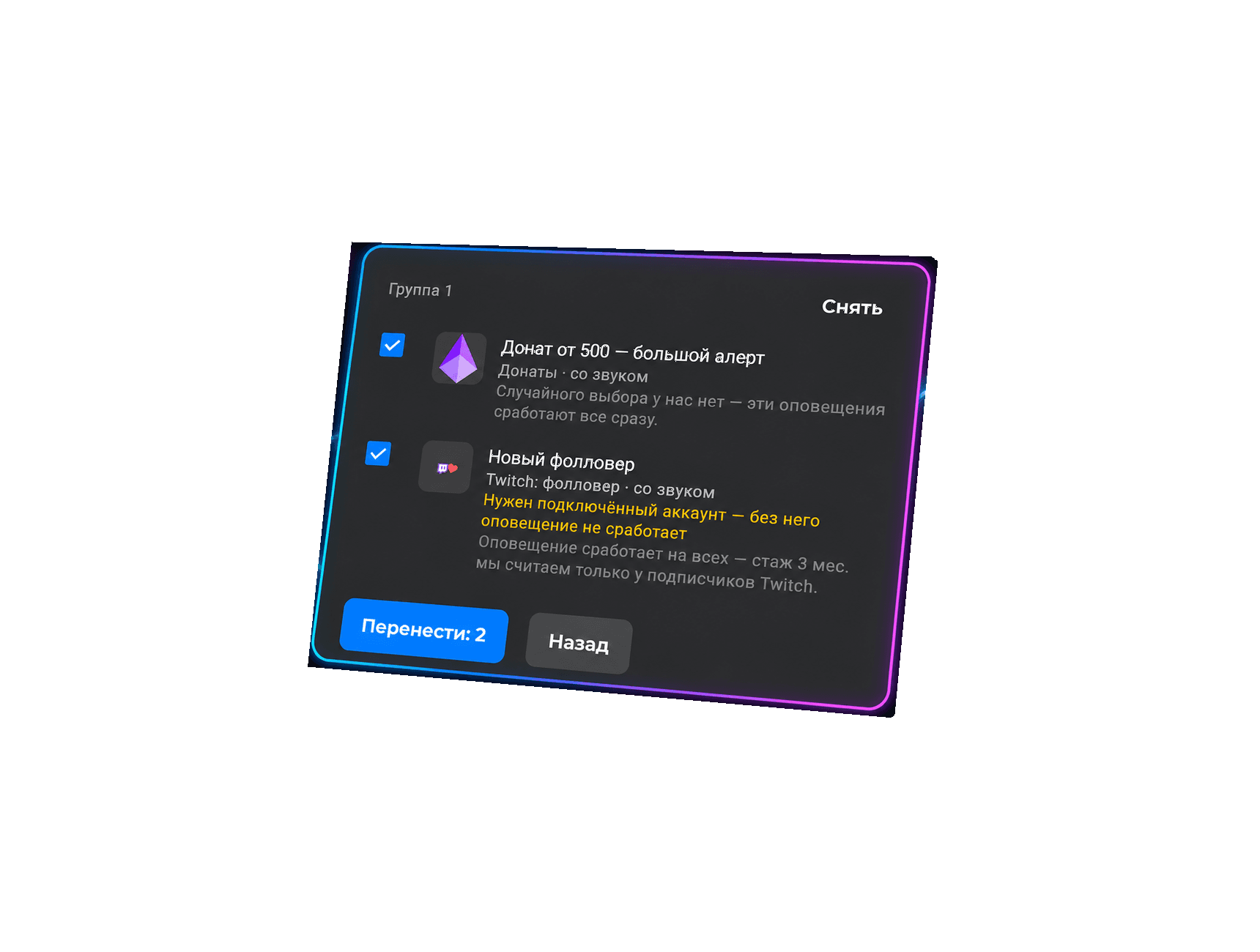

Paste a link to your own widget — the same one you use in OBS. We read it and show which widgets we found and how they will move over.
1
Paste a link to your own Donation Alerts widget
2
Tick what you are taking
3
Press import — the widgets show up in your Donatty dashboard

Your Donation Alerts tip history moves with you
Tips and tippers from Donation Alerts reach every Donatty widget: goal bars, the top tips and tippers, the Statistics widget and more.
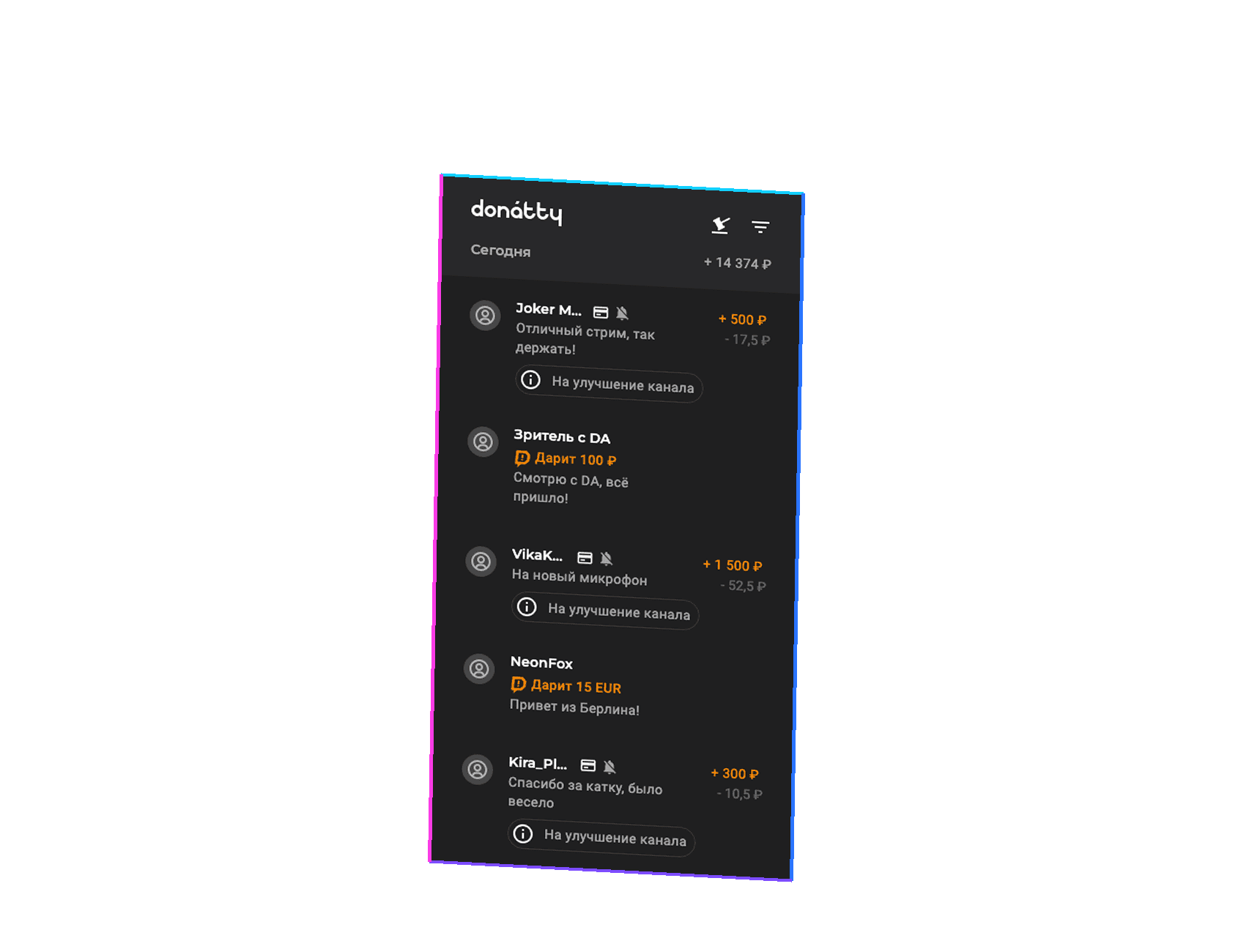

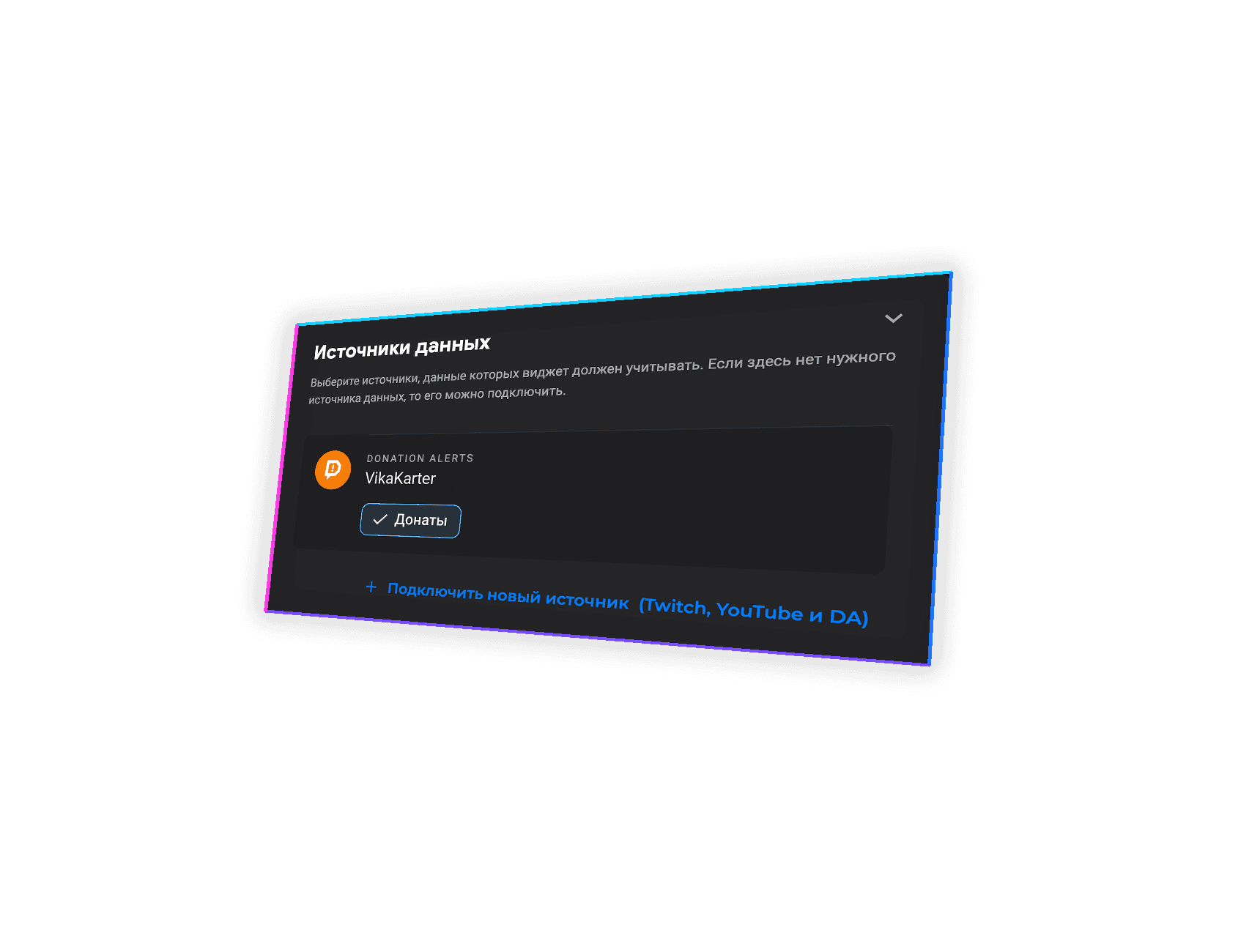

One click on Donation Alerts in the widget settings and DA tips start showing up. Tips in other currencies show up on stream too.
Pick Donation Alerts in your goal bar settings and the amounts raised there are added to your bar. A tip in another currency is converted at the current Bank of Russia rate.
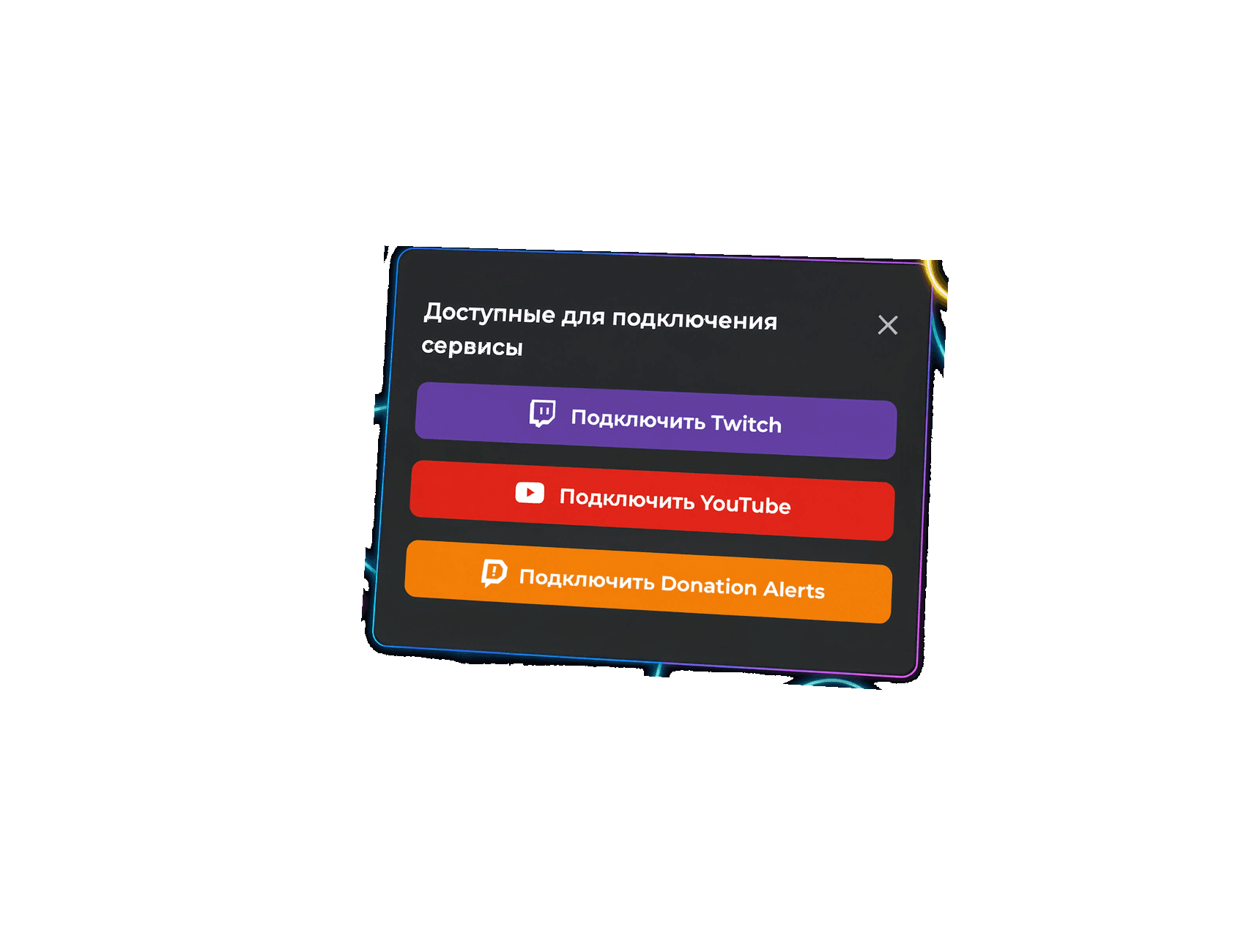

Connect DA as a source and Donation Alerts tips will go into your Donatty widgets.
1
Add a new source and pick Donation Alerts
2
Confirm the connection in Donation Alerts
Switch to the Pro plan and enjoy a 5% fee on tips, faster withdrawals and other extra features for professional streamers.
More about pricing

Sign up for Donatty from your computer
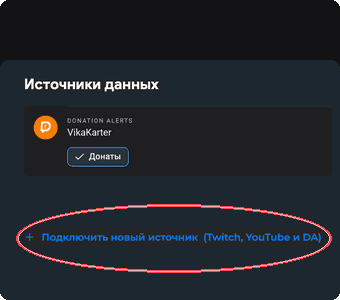
Go to Widgets – Connect a new source – Donation Alerts and pick the data and conditions you need.
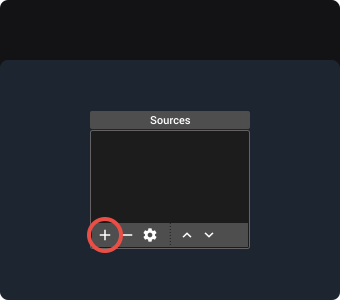
Paste the new widget link into OBS via Sources – Browser
How to connect Donation Alerts to Donatty
Connect your Donation Alerts account as a data source: DA donations will show up in Donatty alerts, the goal bar, the Top and the event list
Read more →
How to show Donation Alerts donation alerts in Donatty
Show Donation Alerts donations in Donatty alerts: enable the source, set amount conditions, add it to OBS
Read more →